
Your favourite sports events and casino games are just a few taps away with our mobile platform. Whether you're following a cricket match, checking football betting markets, or exploring new slot games, our 96 com app brings everything together on your smartphone. We've designed the mobile experience to make switching between sports betting, live casino games, and account management easy, so you can spend less time navigating and more time enjoying the entertainment you prefer.
With our Android application, you can access your personal account, browse our gaming catalogue, manage payments, and explore available promotions wherever you are. New players can also discover our welcome package, which offers up to $250 across their first three qualifying deposits. Everything you need to get started, from registration to available bonuses, is organised within our platform.
Main Features of the 96.com Mobile App
We've brought the main features of our sportsbook and casino together in the 96.com app, making it easier to manage your gaming experience from one place. You can follow live sporting events, switch to your favourite casino titles, and return to your account whenever you need to check transactions or promotions. Our mobile interface keeps these sections connected, giving you convenient access to the services you use most often.
| Feature | Details |
|---|---|
| App Name | 96.com |
| Operating Systems | Android APK, mobile browser access on iOS |
| Installation Method | Android APK download |
| Sports Betting | Cricket, football, tennis, basketball, kabaddi, volleyball, esports, and other sports |
| Live Betting | Pre-match and in-play sports markets |
| Casino Games | Slots, live casino, table games, instant games |
| Supported Languages | English, Simplified Chinese, Traditional Chinese, Telugu, Korean |
| Registration & Login | Account registration, login, password recovery |
| Deposits & Withdrawals | Available through Wallet |
| Payment Methods | UPI, NetBanking, cryptocurrency, wallet solutions |
| Minimum Standard Deposit | $10 equivalent |
| Bonuses & Rewards | Welcome bonuses, cashback, VIP rewards, promotions |
| Live Odds | In-play odds for supported sports markets |
| Account History | Betting history and transaction records |
| KYC Verification | Required before the first withdrawal |
| Customer Support | Live Chat and [email protected], available 24/7 |
| Responsible Gambling | Self-exclusion |
General Information About the 96.com App
We've created our 96 app to make casino entertainment and sports betting convenient for players who prefer using a smartphone. Instead of switching between different services, you can follow cricket matches, browse football markets, or explore our collection of slots and live dealer games from one account. Our mobile interface brings these options together, allowing you to move naturally between different sections depending on what interests you.
Beyond the games themselves, we've also made account management part of the mobile experience. You can review your betting history, manage your balance, explore promotions, and access payment features without returning to a desktop computer. Whether you're checking live odds during a match or choosing a casino game for a short session, our mobile platform helps you find the information and features you need.
Downloading the 96.com App
Getting started with our mobile platform is straightforward. Android players can use the 96 app download option to install the application and access their favourite games and sports markets directly from a smartphone. We've kept the installation process simple, allowing you to set up the application and log in using your existing account details.
Once installed, the app brings our sportsbook, casino catalogue, promotions, and payment features together in one place. If you experience difficulties during installation, our Customer Support team is available to guide you through the process.
How to Download the 96.com APK for Android
Installing our 96.com apk gives you direct access to sports betting, casino games, live markets, and personal account features on your Android device. We've made the 96 app download apk process easy to follow, with just a few steps between downloading the installation file and accessing your account.
Follow these steps:
- Open our website on your Android smartphone or tablet.
- Find the Download App option and select the Android version.
- Tap Download APK to save the installation file.
- Open the downloaded file once the download finishes.
- If Android requests permission, allow installation from this source in your device settings.
- Follow the instructions displayed on your screen to finish the installation.
- Launch our application and log in using your registered credentials.
Once the application is installed, you can open our sportsbook, explore casino games, and manage your account directly from your device. Keep your application updated using the versions we provide.
How to Download 96.com on iOS Devices
If you're using an iPhone or iPad, you can access our mobile gaming platform through Safari. We've adapted our website for mobile browsing, allowing you to explore sports betting markets, casino games, and personal account features without installing an Android application.
Here's how to access 96.com on your iOS device:
- Open Safari on your iPhone or iPad.
- Enter our website address in the browser.
- Wait for the mobile version of the platform to load.
- Tap Login to access your existing account or Register to create a new one.
- Enter your credentials and complete any required verification.
- Open the Sports, Casino, or Wallet section to access the features you need.
You can also use Safari's Add to Home Screen feature to create a shortcut to our platform. This gives you convenient access to our mobile website directly from your device's Home Screen.
Bonuses and Promotions in the 96.com App
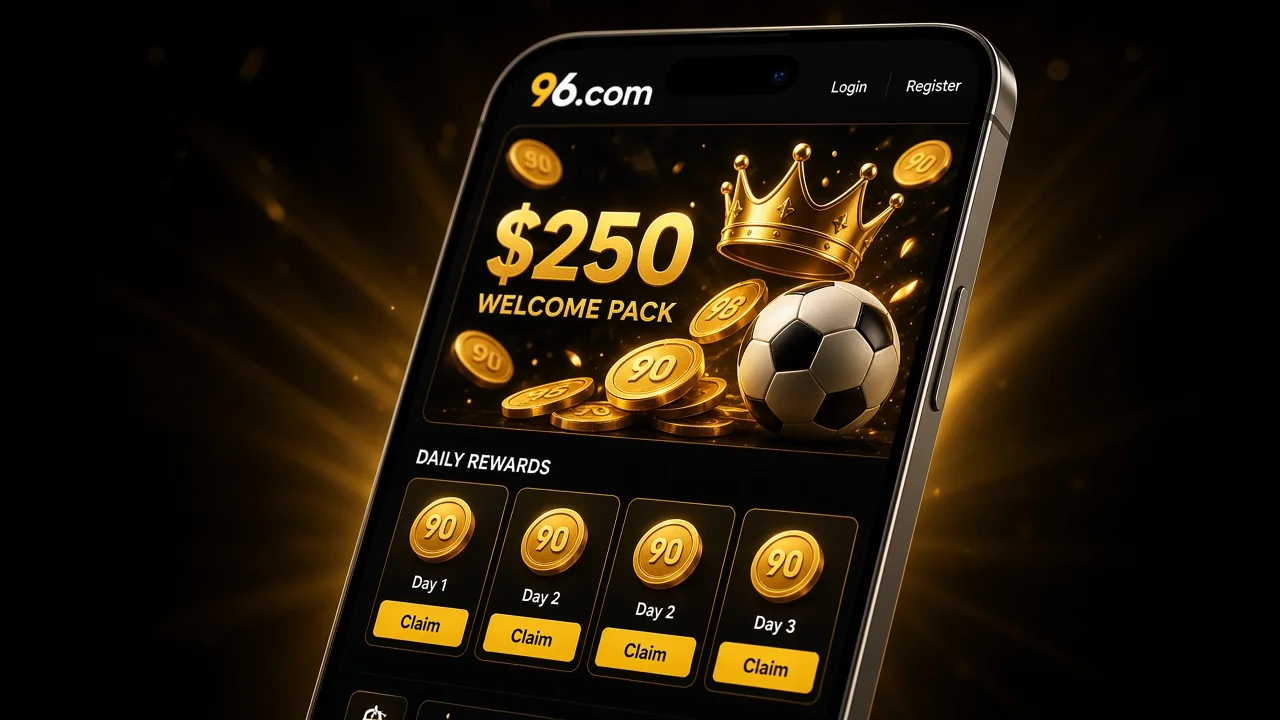
Alongside our casino games and sportsbook, we've brought different promotional offers together in the 96.com app. From welcome rewards for new players to cashback and VIP benefits, our Promotions section helps you explore available offers and understand their conditions before participating. Some rewards are connected to casino games, while others apply to sports betting or specific promotional activities.
To claim an available bonus:
- Open our application and log in to your account.
- Visit the Promotions or Rewards section.
- Browse the available offers and choose one that interests you.
- Open the promotion to review its eligibility conditions.
- Check any minimum deposit, wagering requirements, and expiration dates.
- Tap Claim Bonus if the promotion requires manual activation.
Once a qualifying promotion has been activated, the reward will be handled according to its specific terms. Because different campaigns can have different requirements, we recommend reviewing the full conditions before claiming a bonus.
96.com Registration Process in App
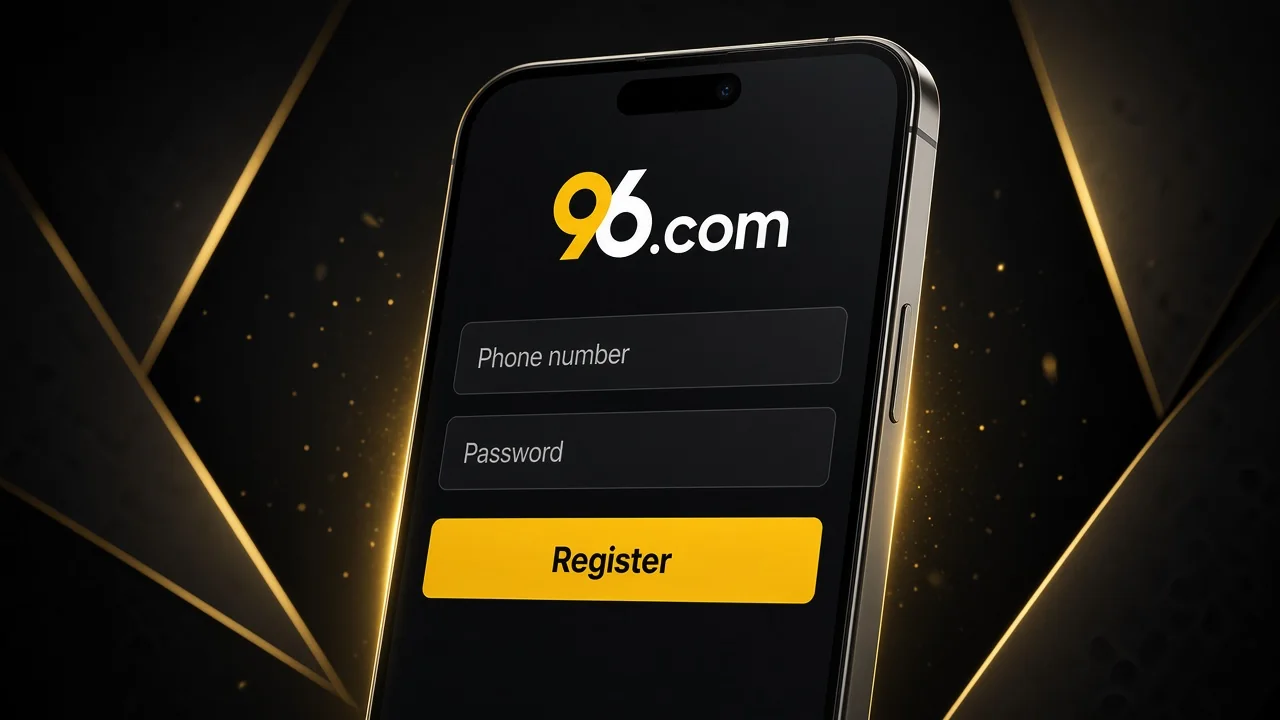
Before you can access our account-based gaming features, you'll need to create a personal account. Registration through the 96.com app connects your casino games, sports betting activity, payments, and promotions, so you can manage everything using the same login details. We've made the process straightforward, whether you're joining us for the first time or setting up access through a new mobile device.
To register:
- Open our application or mobile website.
- Tap the Register button.
- Choose the available registration method.
- Enter your required personal information.
- Create a username and secure password.
- Complete the SMS or email verification steps shown on the screen.
- Review the Terms & Conditions and confirm your registration.
Once your account is created, you can explore our sportsbook, casino catalogue, and available promotions. You must be at least 18 years old, or meet the higher legal gambling age in your jurisdiction, to use our services. We also require identity verification before your first withdrawal.
How to Login to 96.com in App
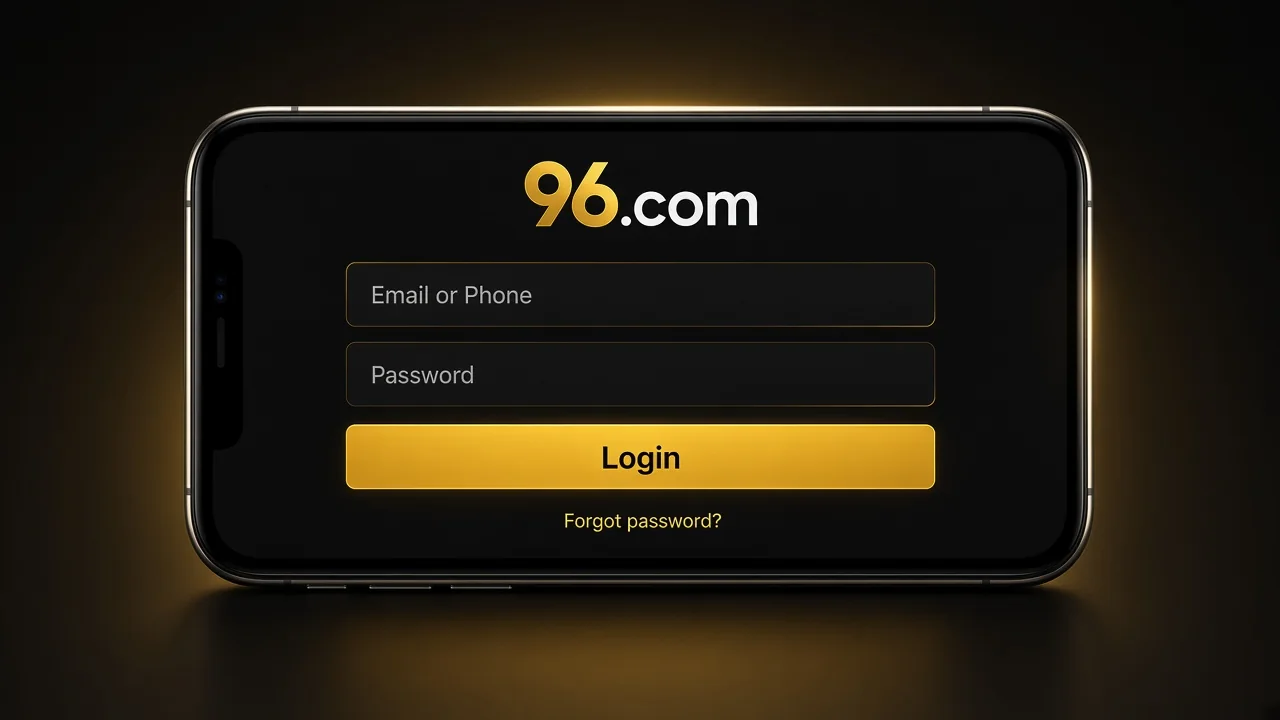
Once you've created your account, you can return to your favourite sports markets and casino games whenever you sign in. We've kept the login process familiar across our mobile services, allowing you to access your existing account without completing registration again. Your betting history, payment records, promotions, and personal settings remain connected to your account.
To sign in:
- Launch our application or open the mobile website.
- Tap Login.
- Enter your registered phone number or email address.
- Type your account password.
- Complete any additional verification requested.
- Confirm your login to access your account.
If you forget your password, select Forgot Password and follow the recovery instructions. We also recommend keeping your credentials private, particularly when using a shared device. Our Customer Support team is available if you need assistance accessing your account.
How to Make a Deposit via the 96.com App
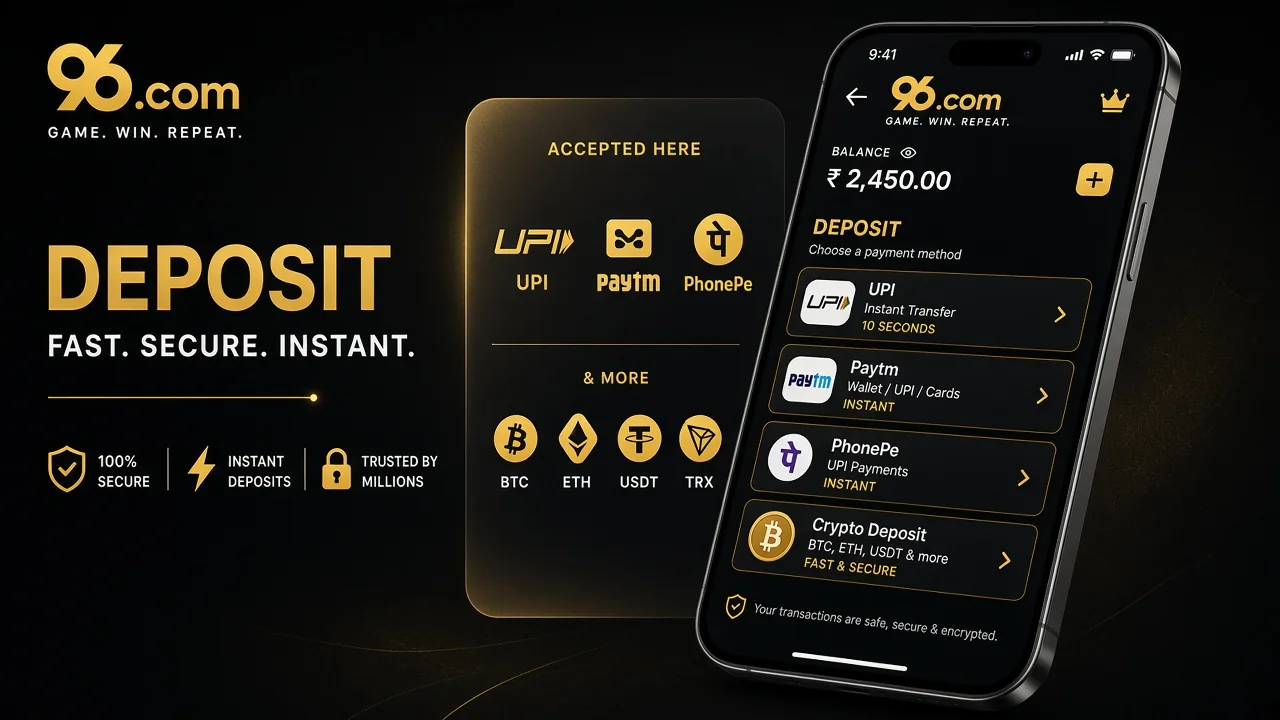
We've made payment management accessible through our Wallet section, so you can add funds to your account using the 96 apk or mobile website. Depending on your preferred currency and available payment options, you can choose between local banking methods, cryptocurrency, and supported wallet solutions. This gives you flexibility when managing your balance before exploring our casino games or sports markets.
For standard deposits, amounts range from $10 to $500,000 or the equivalent in another supported currency, with the maximum depending on the selected payment method. Cryptocurrency deposits have their own processing conditions, including the blockchain confirmations required before funds become available.
To make a deposit:
- Log in to your account and open Wallet.
- Select Deposit.
- Choose your preferred payment method.
- Enter the amount you want to deposit.
- Provide the required payment details.
- Review the transaction information and confirm the deposit.
| Payment Method | Deposit Processing |
|---|---|
| UPI | Usually credited instantly after completion |
| NetBanking | Usually credited instantly after completion |
| Bank Transfer | Processing depends on the banking provider |
| Bitcoin (BTC) | Requires blockchain confirmations |
| Bitcoin Cash (BCH) | Requires blockchain confirmations |
| Ethereum (ETH) | Requires blockchain confirmations |
| Tether (USDT) | Requires blockchain confirmations |
| Supported Wallet Solutions | Processing depends on the selected provider |
Most completed deposits are credited shortly after payment confirmation. Cryptocurrency transactions may take longer because they depend on the relevant blockchain network. If your payment has been completed but the funds have not appeared in your account after 30 minutes, contact our Customer Support team for assistance.
How to Withdraw from 96.com
When you want to access your available funds, you can manage withdrawal requests through our Wallet section. We've brought withdrawal options and account balances together, allowing you to review the amount available before selecting your preferred payment method. If you've earned rewards in 96 Coin, you can also exchange them into withdrawable funds before making a withdrawal request.
Our 96 Coin reward currency can be converted at a rate of 1 96 Coin = 1 USDT. To exchange your rewards, follow these steps:
- Log in and open Wallet.
- Select Withdrawal.
- Choose 96 Coin Exchange.
- Enter the number of Coins you want to convert.
- Review the conversion preview.
- Choose your destination currency.
- Check the displayed exchange details and final amount.
- Confirm the exchange.
After completing the exchange, the converted amount appears in your withdrawable balance. You can then return to Wallet → Withdraw, select an available payment method, enter the required details and account password, and submit your request.
| Withdrawal Method | Minimum Withdrawal | Transaction Fee |
|---|---|---|
| Local Currency Methods | $10 or equivalent | Depends on the amount and applicable payment conditions |
| USDT | 50 USDT | 20 USDT |
Our withdrawal rules also specify a fee of $2 or €2 for withdrawals below $100 or €100, respectively. Before your first withdrawal can be processed, you'll need to complete KYC verification, which helps us confirm account ownership and meet our security requirements.
Processing times can vary depending on the payment method and any additional checks required for your account.
How to Play Casino Games and Sports Betting via 96.com App
We've brought our casino catalogue and sportsbook together in the 96.com mobile application, making it easy to explore different gaming options from one account. Once you've registered and signed in, you can browse our available games, manage your balance, and move between casino entertainment and sports betting using the main navigation menu.
If you enjoy casino games, our 96 casino app gives you access to popular categories such as slots, roulette, blackjack, baccarat, Teen Patti, Andar Bahar, and live dealer tables. Each category offers different styles of gameplay, allowing you to explore classic table games or discover new slot titles according to your preferences.
Sports fans can head to our sportsbook to follow cricket, football, basketball, tennis, kabaddi, volleyball, esports, and other competitions. You can explore upcoming fixtures, review available odds, and follow in-play markets during supported events. Before placing a bet or opening a casino game, take a moment to check the applicable rules, betting limits, and account balance.
FAQ
What is the 96.com app?
Our mobile platform brings sports betting, casino games, promotions, payments, and account management together. You can use our Android application or access the mobile website through your smartphone or tablet.
How do I download the 96.com APK on Android?
To install our 96 app, open our website on your Android device, select Download App, save the APK file, and follow the installation instructions. Once installed, log in using your registered account details.
Can I use the 96.com app on iOS?
Yes. You can access our mobile website through Safari on your iPhone or iPad, sign in to your account, and use the available casino, sportsbook, and payment features.
How do I deposit and withdraw money in the 96.com app?
After logging in to your 96 app account, open Wallet and select Deposit or Withdraw. Choose an available payment method, enter the required information, and confirm your transaction. Withdrawals may require identity verification.
Can I play casino games and bet on sports in the 96.com app?
Yes. Our mobile platform brings casino entertainment and sports betting together, allowing you to explore slots, live dealer games, cricket, football, and other sporting events. You can move between these sections while managing your balance and account features in one place.